1:04 Guide
How to use Verbo
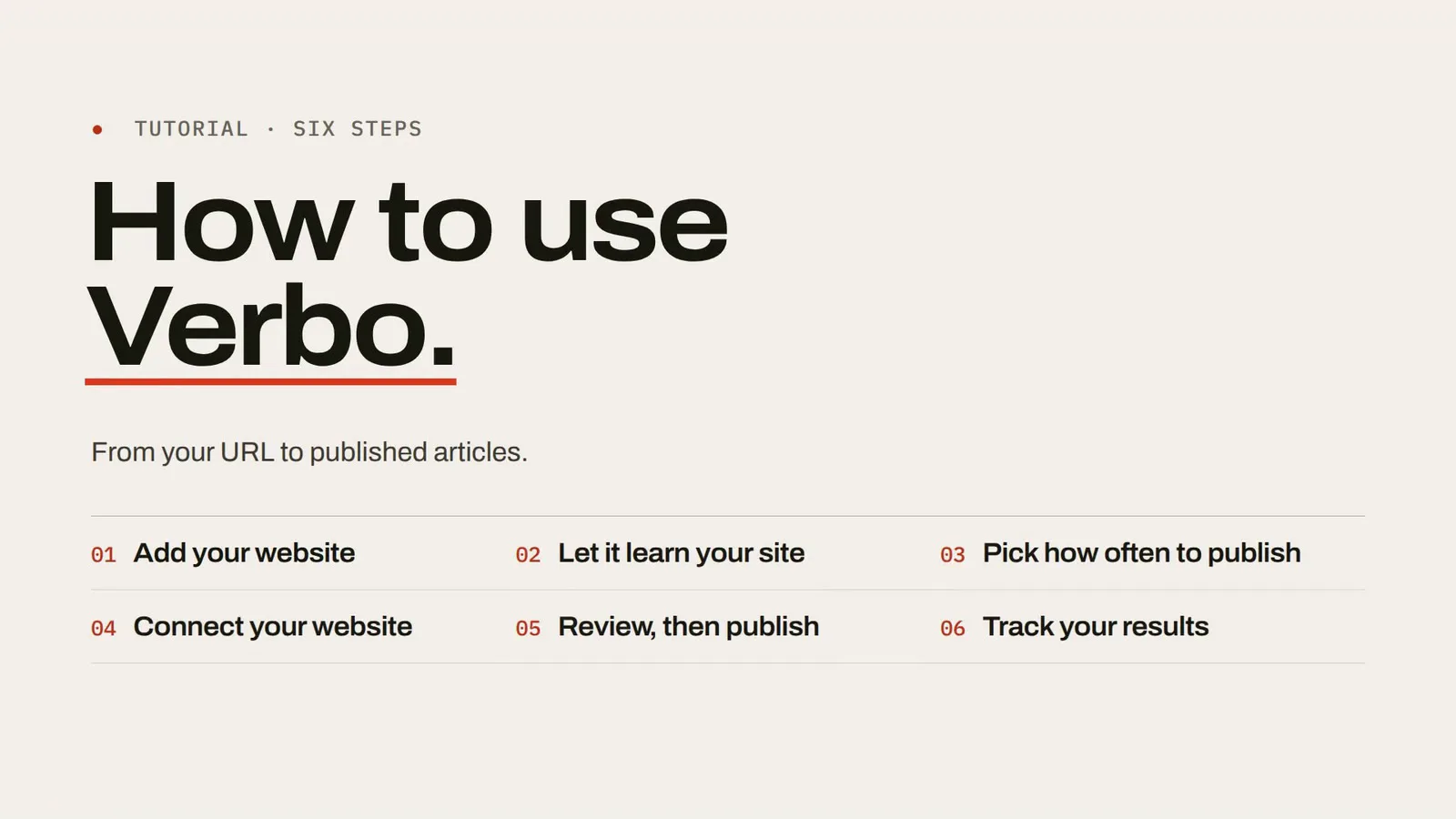
Add your website, let Verbo learn your brand, choose how often to publish, connect where articles go, then review and publish from your content plan. Setup is five screens. After that, Verbo keeps your content plan topped up and publishes on your schedule.
Chapters
06 Steps
The six steps, in detail
- 01
Add your website
Create an account and add your homepage URL. Eligible first-time customers get a 7-day free trial with no card when they add their first site. Each additional site is £19/mo per site.
Optionally give the site a display name and pick your CMS, then choose an image style for featured images: realistic, illustration, anime, comic, watercolour, 3D render, flat design, oil paint, sketch, minimalist, low poly or retro pop. You can change it later, or per article.
- 02
Let Verbo learn your site
Verbo reads your public pages and writes down what you do, your tone of voice and writing style, your region, your target audience and what sets you apart. Articles are written from this brand profile, so they sound like you rather than like a template.
It then runs a technical SEO audit: crawlability, indexing, metadata and performance, plus AI retrieval checks such as crawler controls and structured data. You get a health score out of 100, and every issue comes with a ready-made prompt you can hand to an AI coding assistant.
- 03
Pick how often to publish
From your brand profile, Verbo finds the terms your customers search for, adds search volume and difficulty, and sorts them by intent: informational, commercial or transactional. The best of them become article ideas in your content plan.
Choose daily, weekly or monthly and turn on auto-publish. Each run, Verbo picks the highest-priority idea and writes a complete article (outline, body, metadata, FAQ and a featured image), and it generates new ideas when the plan runs low. Rather publish by hand? Leave auto-publish off.
- 04
Connect your website
Pick where finished articles go. Website embed: paste one snippet and your Verbo blog appears on any website, no CMS needed. WordPress: install the Verbo plugin, then paste your site URL and the API key from the plugin settings. Shopify: publish straight to your store's blog. Webhook: send articles to Make, n8n or your own endpoint.
Not technical? Copy the AI setup prompt into an AI coding assistant such as Claude Code, Cursor or Copilot and let it wire things up. You only need one destination, and you can add more later.
- 05
Review, then publish
Open your content plan, pick an idea and click Generate article. When the draft is ready, open it in Article studio: read it in Preview and change anything in Edit.
The SEO panel scores each draft and flags what to fix, such as word count, meta description, headings, featured image and links. When you are happy, click Publish, or let auto-publish send it out on your schedule.
- 06
Track your results
The Command centre shows your next best move, what is published, what is in production, your research keywords and, once Google Search Console is connected, open search opportunities.
AI search visibility runs a dated OpenAI web-search snapshot of sampled buyer questions and shows which answers mention you, which sources get cited and which brands the answers recommend. Site health, Reddit opportunities and backlink prospects sit in the same sidebar.
? Questions
Common questions
- Do I need SEO experience to use Verbo?
- No. Verbo does the keyword research, the writing and the technical checks, and explains each recommendation in plain English. Your job is to review and approve.
- Does Verbo publish without my approval?
- Only if you turn on auto-publish. With it off, nothing goes live until you click Publish. Reddit replies are always drafts: nothing posts until you approve it.
- Which platforms can Verbo publish to?
- WordPress (through the Verbo plugin), Shopify blogs, any tool that accepts a webhook such as Make or n8n, and any website through a one-snippet embed.
- How much does Verbo cost?
- £19 per site per month with every feature included, after a 7-day free trial with no card.